
Exporting and backups
Rewind has two export paths:
- Single-collection Postman export — a JSON file in Postman v2.1 format, for one collection.
- Full workspace archive — a single
.rewindfile containing every collection, every environment, the history, the attachments, and (optionally) the response bodies.
This page covers the second one. It is the right tool for backups, moving between machines, and committing your workspace to a repo.
Exporting the workspace
Click Export in the top bar. A file named rewind-workspace-YYYY-MM-DD.rewind is downloaded. The file is a gzipped tar archive with a manifest.json and a workspace.json at the top level, plus an attachments/ directory for any uploaded files and an optional responses/ directory for stored response bodies.
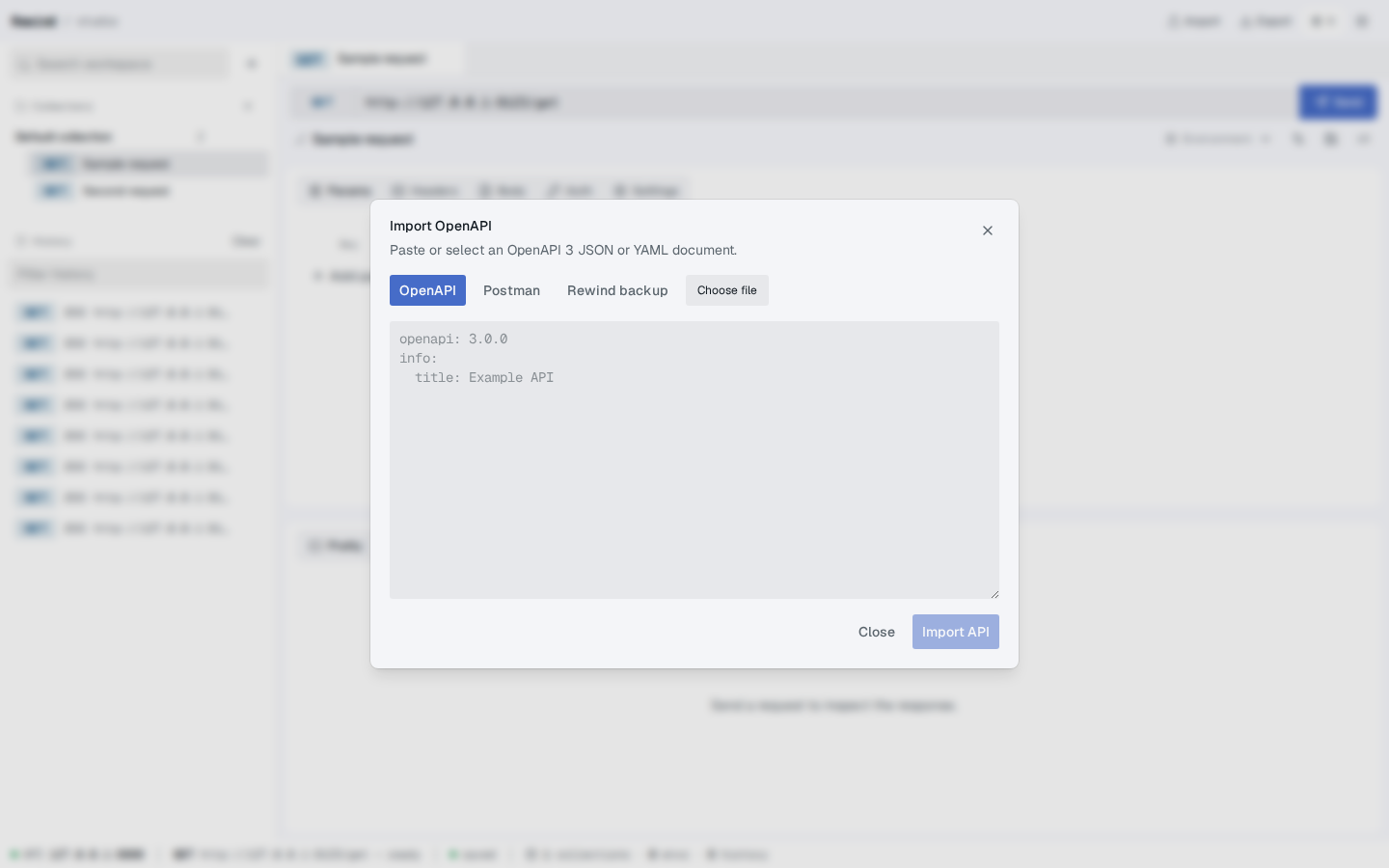
Screenshot — The Import dialog (the same control opens the Restore-from-backup flow used for re-importing an archive)
What is always included
- All collections, folders, and saved requests
- All environments and their variables
- All history entries (without their full response bodies, by default)
- All attachments (multipart files, binary bodies, network CA / client cert / client key)
- Local settings (network proxy, TLS, etc.)
What is included only on request
The two opt-in flags require explicit confirmation in the dialog:
| Flag | Effect |
|---|---|
includeSecrets | Include secret-marked environment variables and Bearer / Basic / API key / OAuth client secret values. |
includeResponseBodies | Include the full body of every history entry that has one stored, not just the metadata. |
When the flag is not set, the export's manifest records includes.secrets: false and includes.responseBodies: false, and the corresponding data is replaced with placeholders or omitted entirely. The .rewind file is safe to share in this state.
The dialog asks for confirmation before flipping either flag. This is by design — flipping them commits the secrets to a portable file.
Format reference
The .rewind archive is a gzipped tar with the following structure:
manifest.json
workspace.json
attachments/<id>-<safe-name>      # one file per attachment
responses/<historyId>.bin         # one file per stored response body, only when includeResponseBodies=true
manifest.json
{
  "format": "rewind-workspace",
  "version": 1,
  "createdAt": "2024-09-12T08:30:00.000Z",
  "workspaceVersion": 2,
  "includes": {
    "attachments": true,
    "secrets": false,
    "responseBodies": false
  },
  "files": {
    "workspace.json": "<sha256>",
    "manifest.json": "<sha256>",
    "attachments/abc-photo.png": "<sha256>"
  },
  "attachments": [
    { "id": "att_abc", "name": "photo.png", "contentType": "image/png", "sizeBytes": 12345, "createdAt": "…", "archivePath": "attachments/abc-photo.png" }
  ],
  "responseBodies": []
}
The files map contains the SHA-256 of every file in the archive. The restore path validates these checksums before importing anything. See Restoring a backup for what happens when a checksum doesn't match.
workspace.json
A JSON document with the shape of the WorkspaceExport model:
version: 2exportedAt: <ISO timestamp>collections: Collection[](each with its folders and requests)environments: Environment[](each with its variables)history: HistoryDetail[]settings: Record<string, unknown>
Secrets and response bodies are stripped from workspace.json when the corresponding flag is not set. Their placeholders are stable strings (•••••••• and [omitted]) so you can grep the file to confirm what's in it.
Where to keep backups
A few good places, in roughly increasing order of effort:
- A
backups/directory on the same machine. - A personal cloud drive (Dropbox, iCloud, Google Drive).
- A private Git repo, if the size is manageable. The workspace data can be large; check
.gitignorerules before committing.
The .rewind format is gzipped, so the file size is roughly the size of the workspace.json plus the attachment bytes. A workspace with hundreds of small requests and a few hundred MB of attachments is typically a few hundred MB after compression.
What's next?
- Restoring a backup — how to load a
.rewindfile back into Rewind - Data and storage — what counts as data and where it lives on disk
- API surface — the underlying endpoints